
Introduction
Workflow automation has become essential for modern businesses. Whether you’re automating lead generation, customer support, ecommerce operations, reporting, or AI workflows, choosing the right automation platform can dramatically improve productivity.
Two platforms have become especially popular: Make and n8n. While both allow businesses to connect applications and automate workflows, they target different audiences and offer different strengths.
This comparison guide examines Make vs n8n across usability, pricing, integrations, AI capabilities, scalability, hosting options, workflow flexibility, and business use cases.
Why Businesses Need Workflow Automation
Businesses use automation to reduce repetitive work, eliminate manual data entry, improve operational efficiency, and scale processes without increasing headcount.
Benefits include:
• Reduced operational costs
• Faster execution
• Improved accuracy
• Better customer experiences
• Increased productivity
• Scalable operations
Quick Verdict
Choose Make if you want:
• Visual workflow building
• Easier setup
• Strong no-code experience
• Fast deployment
Choose n8n if you want:
• Self-hosting
• Developer flexibility
• Advanced customization
• Lower long-term costs at scale
Feature-by-Feature Comparison
Ease of Use
Make wins for beginners thanks to its visual drag-and-drop workflow builder.
Workflow Builder
Both are powerful, but Make offers a more polished visual experience.
Customization
n8n provides deeper customization and developer flexibility.
Integrations
Make offers a large library of ready-made integrations.
Self-Hosting
n8n clearly wins because it can be self-hosted.
AI Automation
Both platforms support AI workflows, agents, and integrations.
Pricing
n8n can be more cost-effective for technical teams at scale.
Scalability
Both platforms scale effectively depending on architecture.
Make vs n8n for Different Business Types
Small Businesses
Make is usually the easier choice because it requires less technical expertise.
Agencies
Both work well, though Make is often faster to deploy for client projects.
Startups
n8n offers flexibility and self-hosting advantages.
Enterprise Teams
The best choice depends on compliance, governance, and infrastructure requirements.
AI Automation Builders
n8n is increasingly popular among advanced AI workflow builders.
Popular Use Cases
• Lead generation automation
• CRM synchronization
• AI agent orchestration
• Ecommerce workflows
• Customer support automation
• Reporting automation
• Marketing automation
• Data processing
Pros and Cons
Make Pros
Easy to use, visual builder, extensive integrations, strong no-code experience.
Make Cons
Can become expensive at scale and offers less control than self-hosted solutions.
n8n Pros
Self-hosting, developer flexibility, powerful customization, AI workflow popularity.
n8n Cons
Steeper learning curve and more technical setup requirements.
Frequently Asked Questions
Is n8n better than Make?
It depends on your needs. n8n offers flexibility while Make focuses on usability.
Which platform is easier to learn?
Make is generally easier for beginners.
Can both platforms build AI agents?
Yes, both support AI automation and agent workflows.
Which platform is cheaper?
n8n may be cheaper at scale, especially when self-hosted.
Should agencies use Make or n8n?
Many agencies start with Make and adopt n8n for advanced projects.
Final Verdict
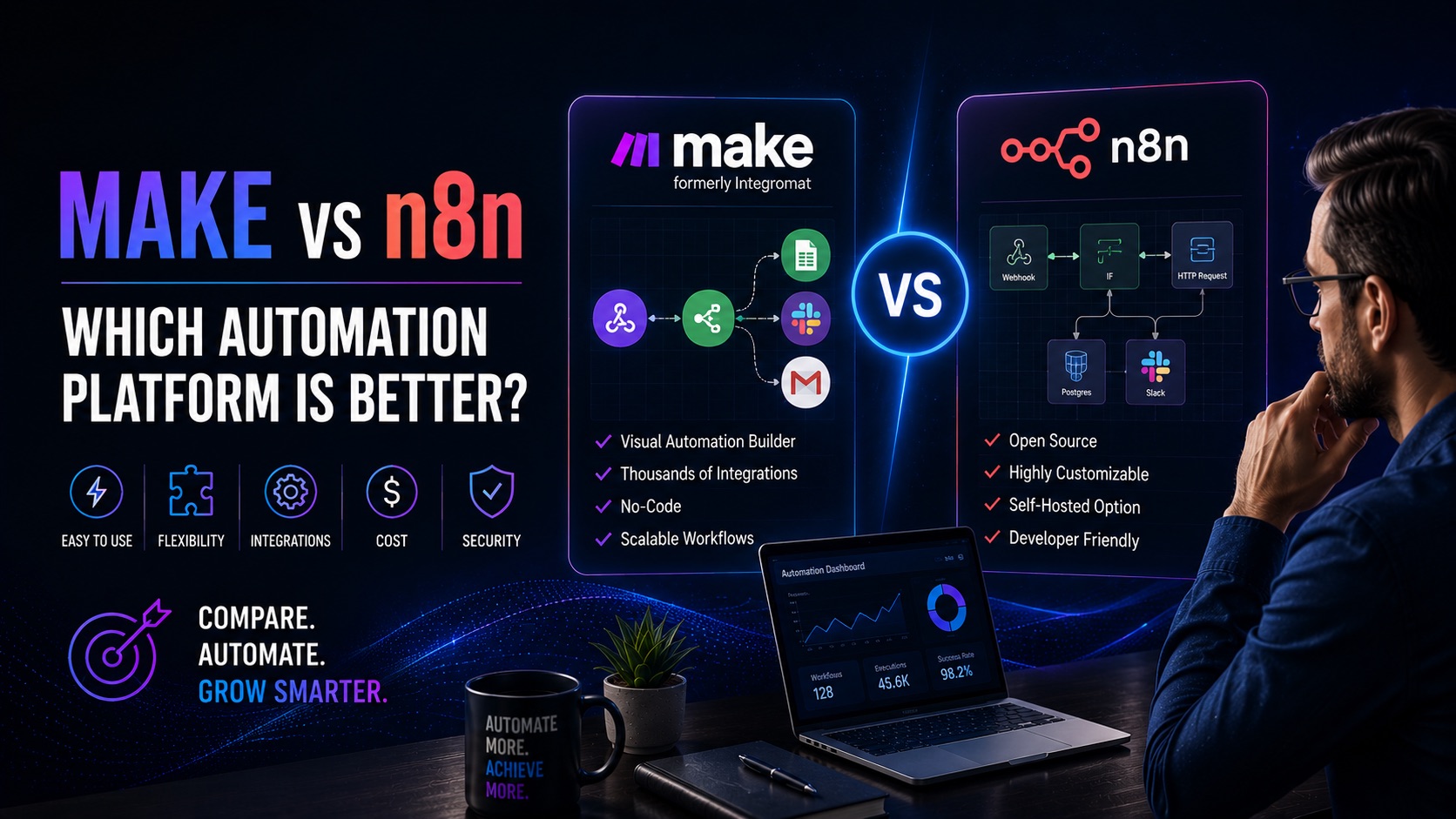
The Make vs n8n decision comes down to simplicity versus flexibility. Make is often the best choice for businesses that want a polished no-code experience and rapid deployment. n8n is ideal for teams that require self-hosting, advanced customization, and deep workflow control.
Both platforms are excellent workflow automation solutions and continue to gain popularity among businesses building AI-powered operations.