
Introduction
Most small business owners wear multiple hats. One moment you’re responding to customers, the next you’re creating invoices, updating spreadsheets, managing marketing campaigns, scheduling meetings, or following up with leads.
The problem isn’t a lack of effort. It’s a lack of time.
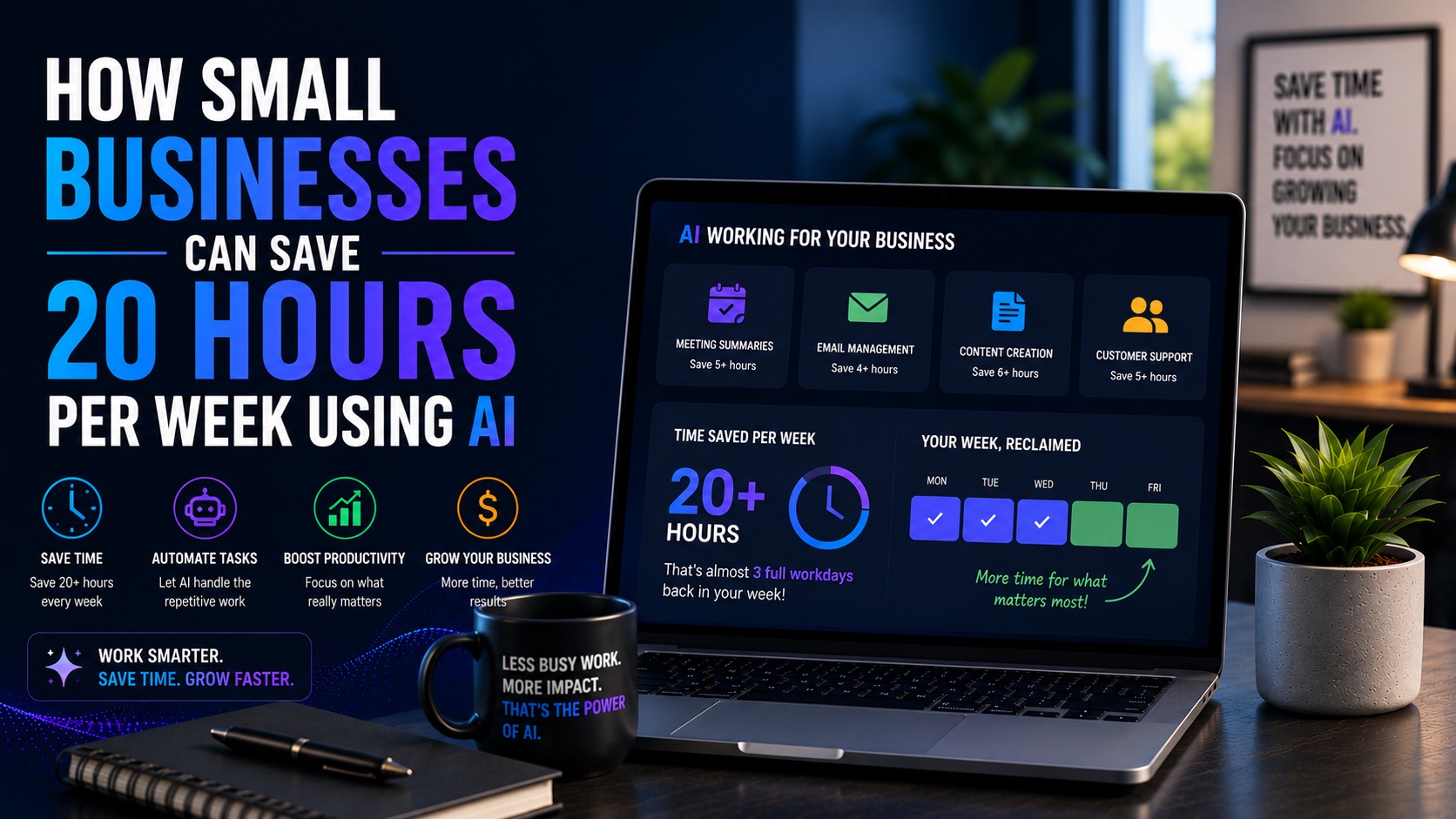
Artificial intelligence is helping small businesses reclaim valuable hours every week by automating repetitive tasks and streamlining workflows. Instead of spending time on administrative work, business owners can focus on growth, strategy, and customer relationships.
In this guide, we’ll explore how small businesses can save 20 or more hours per week using AI, which tasks should be automated first, and the best tools available today.
Why Time Is the Most Valuable Asset for Small Businesses
Large organizations can hire specialists for every function. Small businesses rarely have that luxury.
Every hour spent on repetitive work is an hour not spent on sales, customer service, product development, or business growth. AI helps businesses maximize productivity without dramatically increasing costs or headcount.
The goal isn’t to replace employees. The goal is to eliminate low-value work so people can focus on higher-impact activities.
How We Calculated the 20-Hour Savings
The examples in this guide are based on common business activities that consume time every week. By combining AI-powered automation, content generation, scheduling, and workflow management, many small businesses can realistically save between 10 and 20 hours—or more—every week.
10 Ways AI Can Save Small Businesses Time Every Week
Automate Email Responses
Estimated Time Saved: 2–3 Hours Per Week. AI can draft replies, answer common questions, and categorize messages automatically.
Use AI for Customer Support
Estimated Time Saved: 2–4 Hours Per Week. Chatbots and support assistants can handle routine inquiries 24/7.
Create Marketing Content Faster
Estimated Time Saved: 3–5 Hours Per Week. AI can generate blog outlines, social posts, email campaigns, and marketing copy.
Automate Lead Generation
Estimated Time Saved: 1–3 Hours Per Week. AI can qualify leads, enrich data, and automate follow-up sequences.
Schedule Meetings Automatically
Estimated Time Saved: 1–2 Hours Per Week. Scheduling assistants eliminate back-and-forth coordination.
Generate Meeting Notes
Estimated Time Saved: 1–2 Hours Per Week. AI meeting assistants create summaries and action items automatically.
Automate CRM Updates
Estimated Time Saved: 1–3 Hours Per Week. AI updates records, logs activities, and tracks customer interactions.
Create Reports Automatically
Estimated Time Saved: 2–4 Hours Per Week. Reporting tools gather data and generate dashboards without manual effort.
Manage Social Media Content
Estimated Time Saved: 2–4 Hours Per Week. AI can create, schedule, and analyze social content.
Improve Internal Operations
Estimated Time Saved: 1–3 Hours Per Week. AI assists with SOPs, documentation, onboarding, and knowledge management.
Best AI Productivity Tools for Small Businesses
ChatGPT
Best overall AI assistant for content creation, communication, planning, and workflow support.
Claude
Excellent for research, long-form writing, and document analysis.
Zapier
Connects applications and automates repetitive tasks.
Make
Builds advanced workflow automations visually.
HubSpot
Combines CRM, marketing, sales, and automation.
Notion AI
Improves knowledge management and documentation.
Otter.ai
Automates meeting transcription and summaries.
Calendly
Automates appointment scheduling.
Canva Magic Studio
Accelerates design and content creation.
Grammarly
Improves communication quality across the business.
Business Automation Workflows Every Small Business Should Build
Lead Generation Workflow
Capture, qualify, and nurture leads automatically.
Customer Support Workflow
Provide instant responses and route tickets efficiently.
Marketing Workflow
Generate content, schedule campaigns, and track performance.
Sales Workflow
Automate follow-ups, proposals, and CRM updates.
Operations Workflow
Manage tasks, documentation, and reporting.
Common Mistakes to Avoid
• Automating broken processes
• Using too many tools
• Ignoring employee training
• Not measuring results
• Over-automating customer interactions
• Failing to maintain human oversight
How to Start Using AI in Your Business
Step 1: Identify repetitive tasks.
Step 2: Choose one process to automate.
Step 3: Select appropriate AI tools.
Step 4: Implement a simple workflow.
Step 5: Measure time savings.
Step 6: Expand automation gradually.
Frequently Asked Questions
What is the best AI tool for small businesses?
ChatGPT is often the most versatile starting point.
How much time can AI save?
Many businesses save between 10 and 20 hours per week after implementing automation.
Do small businesses need technical skills?
No. Many modern AI tools are designed for non-technical users.
What should I automate first?
Customer support, lead generation, and scheduling often provide quick wins.
Is AI affordable for small businesses?
Yes. Many tools offer affordable plans and strong ROI.
Final Verdict
AI for small business is no longer a luxury. It is one of the most practical ways to increase productivity, reduce repetitive work, and create more time for growth.
By automating customer support, lead generation, marketing, scheduling, reporting, and internal operations, many businesses can realistically save 20 hours or more each week.
The best strategy is to start small, measure results, and build additional workflows over time. Businesses that embrace AI today will gain a significant advantage in efficiency and scalability.