
Time to Read:
Table of Contents
Introduction
Law firms are under increasing pressure to deliver high-quality legal work faster while controlling costs, protecting confidential client information, and handling growing volumes of documents and research.
Artificial intelligence is becoming an important part of that equation.
Modern AI software for law firms can help lawyers research cases, analyze documents, review contracts, summarize matters, draft legal documents, organize case information, automate administrative work, and retrieve relevant legal authority.
But choosing the right legal AI software is not as simple as picking the tool with the most impressive AI features.
A solo attorney may need an affordable AI legal assistant that helps with research and drafting. A midsize firm may prioritize case management and document automation. A large firm may need enterprise-grade security, sophisticated legal research, contract analysis, integrations, and AI agents capable of handling multi-step workflows.
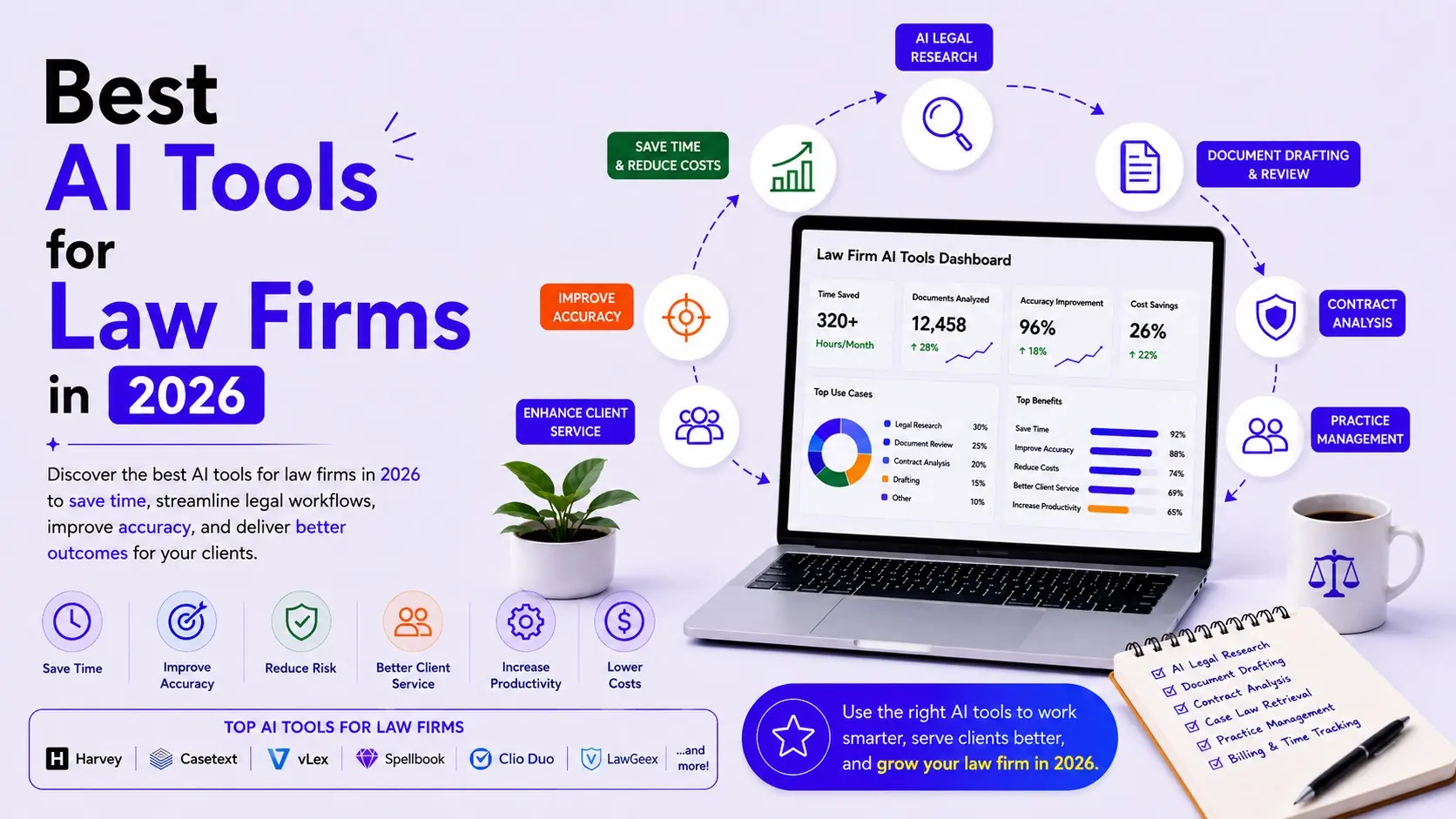
That’s why this guide focuses on the best AI tools for law firms in 2026, comparing platforms by their actual use cases rather than simply listing generic AI writing tools.
Important: This page is intended as a commercial comparison and should remain on the existing law-firm URL rather than creating another article targeting the same keyword cluster.
Quick Comparison: Best AI Tools for Law Firms
| AI Tool | Best For | Legal Research | Document Analysis | Contract Analysis | Drafting | Practice Management |
|---|---|---|---|---|---|---|
| Clio Work | Small & midsize firms | ✅ | ✅ | ✅ | ✅ | ✅ |
| CoCounsel Legal | Research & complex legal workflows | ✅ | ✅ | ✅ | ✅ | — |
| Lexis+ with Protégé | LexisNexis users | ✅ | ✅ | ✅ | ✅ | — |
| Harvey | Large firms & complex work | ✅ | ✅ | ✅ | ✅ | — |
| Spellbook | Contract drafting & review | — | ✅ | ✅ | ✅ | — |
| Thomson Reuters HighQ | Contract workflows | — | ✅ | ✅ | — | ✅ |
| Glean | Internal firm knowledge | — | ✅ | — | — | — |
| Microsoft 365 Copilot | General firm productivity | — | ✅ | — | ✅ | — |
Note: Feature availability, plans, and pricing vary by product, region, firm size, and subscription. Verify current details directly with each vendor before purchasing.
What Is AI Software for Law Firms?
AI software for law firms refers to technology that uses artificial intelligence to assist with legal research, document analysis, drafting, contract review, case preparation, client communication, knowledge management, and administrative workflows.
Unlike general-purpose AI chatbots, legal-specific platforms are increasingly designed around:
- Legal authority
- Citations
- Matter context
- Confidentiality
- Document management
- Legal workflows
- Practice management
- Auditability
- Human review
This distinction matters.
Legal work is a high-stakes environment where an incorrect citation, fabricated authority, or misunderstood clause can create serious consequences.
Research has demonstrated that even specialized legal AI systems can produce hallucinated or incorrect results, reinforcing the need for lawyers to verify AI-generated work.
The best legal AI therefore shouldn’t be judged solely on how fluent its answers sound.
Source quality, verification, security, transparency, and workflow integration matter just as much.
How We Evaluated the Best AI Tools for Law Firms
We evaluated these platforms across the areas that matter most to legal professionals.
1. Legal Research
Can the platform find relevant statutes, regulations, cases, and secondary authority?
2. Document Analysis
Can it analyze large case files, pleadings, discovery materials, and other documents?
3. Contract Analysis
Can it identify clauses, obligations, risks, inconsistencies, and unusual language?
4. Legal Drafting
Can it help lawyers create memos, motions, briefs, contracts, correspondence, and other documents?
5. AI Assistance
Can lawyers interact with the platform conversationally?
6. Workflow Automation
Can AI handle multiple steps rather than simply generating text?
7. Security
Does the platform provide appropriate protections for confidential legal information?
8. Integration
Can it work with the software law firms already use?

1. Clio Work — Best AI Legal Software for Small and Midsize Firms
Best for: Small and midsize law firms that want AI research, matter analysis, document review, drafting, and legal practice management.
Clio has evolved from a practice management platform into a broader legal AI ecosystem.
Clio Work can analyze matter documents, surface relevant legal authority, identify risks and gaps, build matter timelines, and assist with drafting. It also connects with Clio Manage for additional matter context.
Clio made Clio Work available to solo, small, and midsize firms as a standalone product in 2026, making it particularly relevant for firms that don’t have the budget or infrastructure of BigLaw.
Key Features
- AI legal research
- Matter analysis
- Document review
- Legal drafting
- Contract analysis
- Case strategy
- Matter timelines
- Practice management integration
- AI-powered administrative workflows
Pros
- Excellent for smaller firms
- Combines AI with practice management
- Matter-aware AI
- Supports research and drafting
- Strong security positioning
Cons
- Firms needing highly specialized enterprise research may prefer Thomson Reuters or LexisNexis ecosystems.
Best For
Small and midsize law firms that want one ecosystem covering both legal work and firm operations.
2. CoCounsel Legal — Best for Legal Research and Complex Workflows
Best for: Research-intensive firms, litigation teams, and organizations already using Westlaw or Practical Law.
Thomson Reuters’ CoCounsel Legal has evolved significantly in 2026.
The platform combines generative AI and agentic AI with authoritative Westlaw and Practical Law content. It can handle research, document analysis, and drafting through increasingly end-to-end workflows.
The next-generation platform is designed so users can describe a legal task in natural language while the system plans and executes multiple steps.
Key Features
- Deep legal research
- Westlaw integration
- Practical Law integration
- Document analysis
- Legal drafting
- Agentic workflows
- Citation-backed results
- Microsoft 365 integration
- Document management integrations
Pros
- Excellent legal research foundation
- Trusted legal content
- Strong citation support
- Multi-step workflows
- Enterprise capabilities
Cons
- Best value is likely for firms already invested in Thomson Reuters’ ecosystem.
- Enterprise-oriented pricing can be difficult for smaller practices.
Thomson Reuters says CoCounsel Legal is built around authoritative Westlaw and Practical Law content and that its next-generation system is designed for agentic workflows across research, analysis, and drafting.
Best For
Law firms where legal research quality and authoritative sources are the highest priority.
3. Lexis+ with Protégé — Best for LexisNexis Users
Best for: Firms already using LexisNexis for legal research.
Lexis+ with Protégé combines LexisNexis legal content with an AI assistant designed for legal research, drafting, document analysis, and workflow automation.
LexisNexis renamed Lexis+ AI to Lexis+ with Protégé in February 2026 as the platform expanded beyond AI-assisted research into broader legal AI workflows.
Key Features
- Conversational legal research
- AI legal assistant
- Legal drafting
- Document summarization
- Contract analysis
- Redlining
- Workflow automation
- LexisNexis content
- Citation validation
Pros
- Deep legal research ecosystem
- Strong authority and citation capabilities
- Good for firms already using LexisNexis
- Expanding agentic capabilities
Cons
- Less attractive if your firm is standardized on Westlaw.
- Pricing typically requires contacting the vendor.
Best For
Law firms already invested in LexisNexis that want to add AI to their existing legal research workflow.
4. Harvey — Best AI Platform for Large Law Firms
Best for: Large law firms, sophisticated legal departments, and complex legal workflows.
Harvey is designed specifically for legal and professional services.
Its platform supports legal research, contract analysis, due diligence, deal management, document workflows, and other complex legal tasks. Harvey says more than 200,000 professionals use its platform globally.
Key Features
- Legal research
- Contract analysis
- Due diligence
- Deal workflows
- Document analysis
- Complex workflows
- Institutional knowledge
- Secure collaboration
Pros
- Strong enterprise focus
- Built specifically for legal work
- Excellent for complex workflows
- Broad range of legal use cases
Cons
- Primarily aimed at larger organizations
- Pricing is typically customized
- May be excessive for solo attorneys
Best For
Large law firms handling complex transactions, litigation, due diligence, and high-volume legal work.
5. Spellbook — Best for AI Contract Drafting and Review
Best for: Lawyers who spend significant time drafting and reviewing contracts in Microsoft Word.
Spellbook focuses heavily on contract workflows.
Its value proposition is particularly compelling for lawyers who don’t want to move between a separate AI application and Microsoft Word for everyday contract work.
Typical Use Cases
- Contract drafting
- Clause suggestions
- Contract review
- Risk identification
- Redlining
- Negotiation support
Best For
Transactional lawyers and firms where contract drafting and review represent a significant portion of daily work.
6. Thomson Reuters HighQ Contract Analysis — Best for Contract Workflows
Best for: Firms and legal teams managing large volumes of contracts.
HighQ Contract Analysis uses AI to extract information from agreements, identify obligations and anomalies, and compare contract language against standards. Thomson Reuters describes a workflow that ingests documents, extracts relevant concepts, allows review and annotation, and produces reports.
Best For
- Contract review
- Due diligence
- Obligation tracking
- Risk identification
- Large document collections
7. Glean — Best for Internal Law Firm Knowledge
Best for: Firms that need to search across internal knowledge.
Large law firms accumulate enormous amounts of institutional knowledge:
- Previous matters
- Templates
- Internal precedents
- Research
- Client information
- Practice guides
- Policies
- Firm procedures
Enterprise search platforms can make this information easier to discover.
This is especially useful for large firms where information is scattered across Microsoft 365, Google Drive, Slack, document management systems, CRM platforms, and internal wikis.
For broader coverage of this category, see: Best AI Enterprise Search Tools in 2026.
Best AI Legal Software by Use Case
| Use Case | Best Choice |
| Best Overall for Small/Midsize Firms | Clio Work |
| Legal Research | CoCounsel Legal |
| LexisNexis Research | Lexis+ with Protégé |
| Large Law Firms | Harvey |
| Contract Drafting | Spellbook |
| Contract Analysis | HighQ Contract Analysis |
| Internal Knowledge Search | Glean |
| Practice Management + AI | Clio |
| Complex Agentic Legal Workflows | CoCounsel / Harvey / Clio Work |
AI Legal Research Software: What Should Lawyers Look For?
Legal research is one of the most important areas where law firms should prioritize specialized AI rather than generic chatbots.
A good AI legal research software platform should provide:
Authoritative Sources
The system should rely on credible legal content rather than simply generating answers from a general-purpose model.
Citations
Lawyers should be able to trace claims back to underlying sources.
Current Authority
Legal information changes. The platform should help identify current and valid authority.
Jurisdiction Awareness
The system should understand that legal authority varies by jurisdiction.
Research Transparency
The lawyer should be able to inspect the sources supporting the answer.
Clio Work, for example, emphasizes cited results, jurisdiction-specific law, and a built-in citator.
CoCounsel similarly emphasizes Westlaw and Practical Law as the authoritative foundation for its legal research workflows.
AI Contract Analysis for Law Firms
Contract review is another high-value AI use case.
A traditional contract review process might look like:
Receive Contract
↓
Read Entire Document
↓
Identify Important Clauses
↓
Compare Against Standard
↓
Identify Risks
↓
Prepare Comments
↓
Send to Client
AI can accelerate many of these steps.
A modern workflow can look like:
Upload Contract
↓
AI Extracts Clauses
↓
Compare Against Playbook
↓
Identify Unusual Terms
↓
Flag Risks
↓
Generate Summary
↓
Lawyer Reviews
↓
Redline
↓
Finalize
Thomson Reuters’ HighQ Contract Analysis, for example, is designed to identify obligations and anomalies and compare agreements against standard documents.
AI Document Automation for Law Firms
Legal document automation goes beyond simply generating text.
A useful system should be able to combine:
- Client information
- Matter information
- Firm templates
- Previous documents
- Legal authority
- Formatting requirements
For example:
New Client Intake
↓
Matter Created
↓
Client Data Retrieved
↓
Template Selected
↓
AI Generates Draft
↓
Attorney Reviews
↓
Document Finalized
This can reduce repetitive administrative work while keeping lawyers in control of the final product.
AI Legal Assistant: What Can It Actually Do?
An AI legal assistant can support lawyers with tasks such as:
- Summarizing documents
- Creating research outlines
- Drafting correspondence
- Reviewing contracts
- Extracting clauses
- Finding relevant authority
- Preparing meeting summaries
- Creating matter timelines
- Generating first drafts
- Identifying potential issues
The key distinction is that AI should generally be treated as an assistant rather than an autonomous replacement for legal judgment.
Even legal-specific AI requires human review.
Security Should Be a Buying Requirement
Law firms handle highly sensitive information.
Before purchasing AI software, evaluate:
- Data encryption
- Data retention
- Whether customer data is used for model training
- Access controls
- Audit logs
- SSO
- Compliance certifications
- Data residency
- Document permissions
- Vendor security policies
For example, Clio says Clio Work operates on infrastructure certified to SOC 2 Type II, ISO 27001, GDPR, and HIPAA standards and says client and matter data isn’t used to train external AI models.
Harvey also emphasizes secure collaboration and enterprise controls in its platform.
Don’t treat security as an optional feature.
For a law firm, security is part of the product.
AI Workflow for a Modern Law Firm
A law firm can connect multiple AI systems into one workflow:
Client Intake
↓
AI Data Extraction
↓
Matter Creation
↓
AI Legal Research
↓
Document Analysis
↓
Contract / Case Review
↓
Draft Generation
↓
Attorney Review
↓
Client Communication
↓
Billing & Administration
↓
Matter Knowledge Stored
This creates a broader legal automation system rather than isolated AI tools.
For businesses interested in implementing similar workflows across departments, see: AI Business Process Automation: Complete Guide.
How to Choose the Best AI Software for Your Law Firm
Solo Attorneys
Prioritize:
- Affordability
- Legal research
- Drafting
- Document analysis
- Ease of use
Consider: Clio Work.
Small Law Firms
Prioritize:
- Practice management
- Legal research
- Document automation
- Contract analysis
- Client communication
Consider: Clio Work, Lexis+ with Protégé, or specialized contract tools.
Midsize Firms
Prioritize:
- Integrations
- Security
- Knowledge management
- Collaboration
- Workflow automation
Consider: Clio, CoCounsel, Lexis+, Harvey, and enterprise knowledge platforms depending on practice area.
Large Law Firms
Prioritize:
- Enterprise security
- Custom workflows
- DMS integration
- Institutional knowledge
- Advanced research
- AI agents
- Governance
Consider: Harvey, CoCounsel Legal, Lexis+ with Protégé, and enterprise search/knowledge systems.
How Much Does AI Legal Software Cost?
Legal AI pricing is unusually difficult to compare because many vendors use customized enterprise pricing rather than simple public monthly plans.
Your total cost may include:
- Per-user licenses
- Research database subscriptions
- AI usage
- Document volume
- Enterprise integrations
- Practice management
- Contract analysis
- Implementation
- Support
For this reason, don’t choose a legal AI platform based purely on the advertised subscription price.
Instead, calculate:
Total Annual Cost ÷ Expected Hours Saved = Cost per Hour Saved
Then consider whether the saved time can be converted into:
- Additional billable work
- Faster client service
- Reduced outsourcing
- Lower administrative costs
- Higher case capacity
Common Mistakes When Buying AI Software for Law Firms
Choosing a Generic Chatbot for Legal Research
General-purpose AI can be useful, but it shouldn’t automatically replace specialized legal research platforms.
Ignoring Citations
A fluent answer isn’t necessarily an accurate answer.
Automating Without Review
Legal AI should have appropriate human oversight.
Ignoring Data Security
Never upload confidential client information into a platform without understanding its data practices.
Buying Too Many Tools
A firm can end up with separate tools for research, drafting, contracts, document management, and practice management that don’t communicate with one another.
Integration should be part of the buying decision.
Best AI Tools for Law Firms by Firm Size
| Firm Type | Recommended Starting Point |
| Solo Attorney | Clio Work |
| Small Firm | Clio Work |
| Midsize Firm | Clio + specialized legal AI |
| Research-Heavy Firm | CoCounsel Legal |
| LexisNexis Firm | Lexis+ with Protégé |
| Large Enterprise Firm | Harvey / CoCounsel / Lexis+ |
| Contract-Heavy Practice | Spellbook / HighQ |
| Knowledge-Heavy Enterprise | Glean + Legal AI |
These are starting points rather than universal rankings. Practice area, jurisdiction, existing subscriptions, security requirements, and workflow complexity should determine the final choice.
Frequently Asked Questions
What are the best AI tools for law firms in 2026?
Clio Work, CoCounsel Legal, Lexis+ with Protégé, Harvey, Spellbook, and Thomson Reuters HighQ are among the strongest options, with each serving different legal workflows.
What is the best AI software for law firms?
For small and midsize firms looking for a combination of legal AI and practice management, Clio Work is particularly compelling. Research-heavy firms may prefer CoCounsel Legal or Lexis+ with Protégé, while large firms handling complex legal workflows may benefit from Harvey.
What AI tools can lawyers use?
Lawyers can use AI for legal research, document analysis, contract review, drafting, matter analysis, client communication, knowledge search, and administrative automation.
Is AI legal software safe for confidential client information?
Safety depends on the vendor, configuration, and firm’s security requirements. Before uploading confidential information, review data retention, training policies, encryption, access controls, compliance certifications, and contractual protections.
Can AI replace lawyers?
No. AI can automate and accelerate many legal tasks, but legal judgment, client advice, professional responsibility, verification, and final decision-making remain human responsibilities.
What is the best AI legal research software?
CoCounsel Legal and Lexis+ with Protégé are strong choices for firms wanting legal research grounded in major professional legal databases. Clio Work is another strong option for firms wanting matter-aware research integrated with broader legal workflows.
What is the best AI contract analysis software?
The answer depends on the workflow. Spellbook is attractive for Word-based contract work, while Thomson Reuters HighQ Contract Analysis is designed for more structured contract analysis and review workflows.
Final Verdict: Which AI Tool Should Your Law Firm Choose?
There isn’t one universal winner because law firms have very different requirements.
For solo and small firms:
Clio Work is one of the most compelling choices because it combines legal research, matter analysis, drafting, document review, and practice-management capabilities. Clio specifically expanded Work to solo, small, and midsize firms in 2026.
For research-heavy firms:
CoCounsel Legal is a strong option because it combines AI with Westlaw and Practical Law content and is moving toward end-to-end agentic legal workflows.
For LexisNexis users:
Lexis+ with Protégé makes sense when a firm wants AI deeply integrated with its existing LexisNexis research ecosystem.
For large law firms:
Harvey is particularly attractive for complex legal workflows, due diligence, contract analysis, research, and enterprise-scale legal work.
For contract-focused practices:
Spellbook and HighQ Contract Analysis are worth evaluating for drafting, review, clause analysis, and contract workflows.
Ultimately, the best AI software for law firms is not the platform with the longest feature list.
It’s the one that fits your firm’s practice areas, existing technology, security requirements, legal research needs, document workflows, and budget.
The strongest implementation is also unlikely to be a single AI tool. Modern firms can combine legal research AI, contract analysis, practice management, knowledge search, document automation, and AI agents into connected workflows.
AI should reduce repetitive work while keeping lawyers firmly in control of legal judgment and final outputs.