
Introduction
Workflow automation has become essential for businesses looking to improve efficiency, reduce repetitive work, and scale operations. Two platforms dominate the no-code automation market: Zapier and Make.
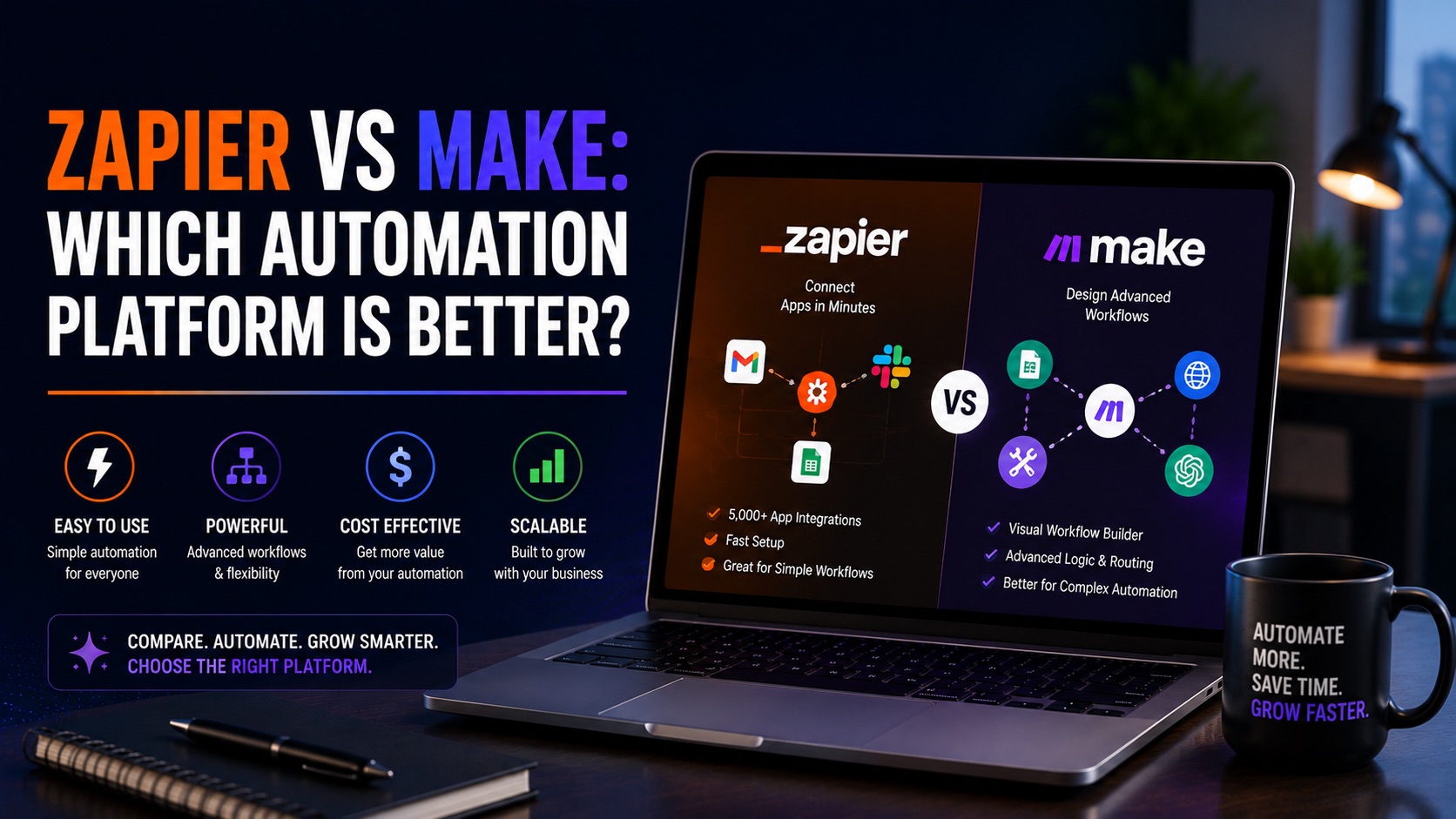
Both tools allow users to connect applications, automate workflows, and eliminate manual tasks. However, they approach automation differently. Zapier focuses on simplicity and accessibility, while Make emphasizes flexibility and advanced workflow design.
This comparison guide examines both platforms across usability, pricing, integrations, automation capabilities, scalability, and real-world business use cases to help you decide which solution is right for your organization.
Why Businesses Use Workflow Automation Software
Modern organizations rely on dozens of software applications. Without automation, teams spend significant time transferring data, updating records, creating reports, and managing repetitive administrative tasks.
Workflow automation software helps organizations:
• Reduce manual work
• Improve productivity
• Increase accuracy
• Scale operations
• Improve customer experiences
• Connect disconnected systems
The right automation platform can save hundreds of hours annually.
How We Evaluated Zapier and Make
We compared both platforms based on ease of use, workflow flexibility, integration library, pricing, scalability, automation capabilities, reporting, and suitability for different business sizes.
Zapier vs Make: Quick Comparison
Ease of Use: Zapier Wins
Workflow Flexibility: Make Wins
Integrations: Zapier Wins
Visual Builder: Make Wins
Learning Curve: Zapier Wins
Advanced Automation: Make Wins
Enterprise Scalability: Tie
Best for Beginners: Zapier
Best for Power Users: Make
Feature-by-Feature Comparison
Ease of Use
Zapier is designed for simplicity. Users can create automations quickly without technical knowledge. Make offers more power but requires a greater learning investment.
Workflow Builder
Make provides a visual canvas that allows users to build complex workflows. Zapier uses a simpler step-based approach.
Integrations
Zapier supports thousands of app integrations and is often first to market with new connectors. This makes it attractive for businesses with diverse software stacks.
Automation Complexity
Make excels when workflows require branching logic, conditional paths, advanced routing, and data transformation.
Pricing
Make often provides more automation capacity per dollar, while Zapier typically charges a premium for simplicity and ecosystem strength.
Reporting and Monitoring
Both platforms provide monitoring and troubleshooting tools, although Make offers greater visibility into workflow execution.
Scalability
Both platforms scale well, but Make is often preferred for highly complex operational workflows.
Customer Support
Both offer documentation and support resources, though enterprise support experiences may vary depending on plan level.
When Zapier Is the Better Choice
Choose Zapier if:
• You are new to automation
• You need fast implementation
• Your workflows are relatively simple
• You want access to a massive integration ecosystem
• Your team prefers ease of use over complexity
Small businesses, agencies, consultants, and startups often find Zapier easier to adopt.
When Make Is the Better Choice
Choose Make if:
• You need advanced workflow logic
• You manage large data volumes
• You want visual workflow mapping
• You require sophisticated routing and automation
• You want greater control over workflow design
Operations teams and automation specialists often prefer Make.
Best Use Cases for Zapier
• Lead generation automation
• CRM updates
• Email marketing automation
• Social media workflows
• Agency reporting
• Small business operations
Best Use Cases for Make
• Multi-step business processes
• Advanced CRM workflows
• Ecommerce automations
• Data synchronization
• Enterprise operations
• Complex reporting systems
Zapier vs Make for Different Business Types
Small Businesses
Zapier is usually the better choice due to simplicity and faster implementation.
Marketing Agencies
Both are strong options. Zapier offers speed while Make offers flexibility.
Ecommerce Businesses
Make often provides greater workflow control for ecommerce operations.
Startups
Zapier helps teams move quickly without requiring technical expertise.
Enterprise Organizations
Both platforms can work effectively depending on complexity requirements.
Pros and Cons
Zapier Pros
Easy to learn, extensive integrations, fast setup, strong ecosystem, excellent for beginners.
Zapier Cons
Can become expensive at scale and may be less flexible for advanced workflows.
Make Pros
Powerful visual builder, advanced logic, cost-effective scaling, flexible workflow design.
Make Cons
Steeper learning curve and more complex setup process.
Frequently Asked Questions
Is Make better than Zapier?
It depends on your requirements. Make excels at advanced workflows while Zapier prioritizes simplicity.
Which platform is easier to learn?
Zapier is generally easier for beginners.
Which automation platform is cheaper?
Make often offers better value for complex workflows.
Can small businesses use Make?
Yes, although Zapier may be easier to adopt initially.
Do both support AI tools?
Yes. Both integrate with modern AI applications and business software.
Final Verdict
The Zapier vs Make decision comes down to simplicity versus flexibility.
For most small businesses, agencies, and non-technical teams, Zapier remains the best choice because of its ease of use, extensive integration library, and quick implementation.
For organizations requiring advanced workflow automation, visual workflow design, and greater customization, Make is often the stronger option.
Both platforms are excellent workflow automation software solutions. The best choice depends on your team’s technical comfort level, workflow complexity, and long-term automation goals.